



Sign Without a Card
Without a Card Reader
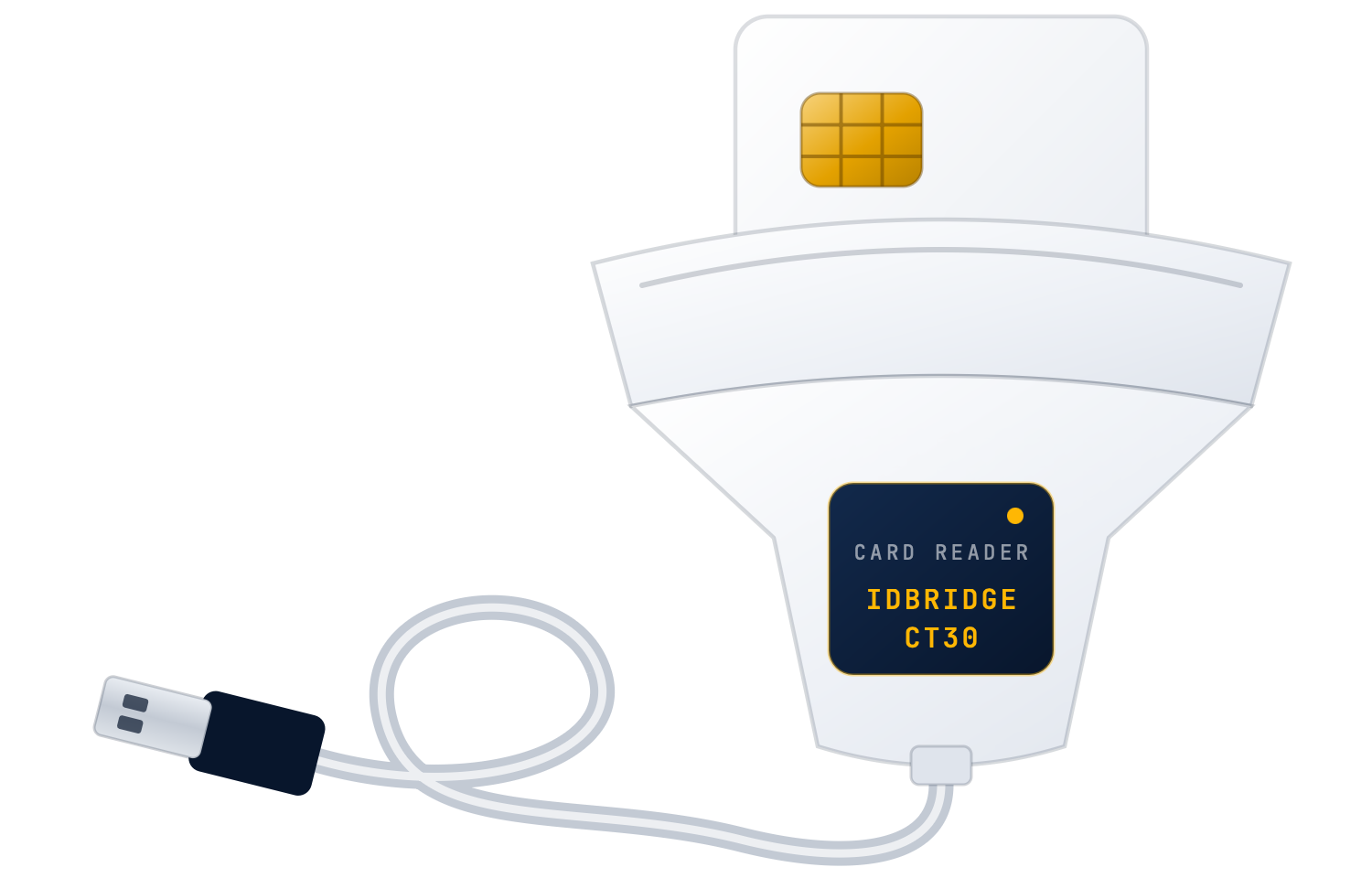
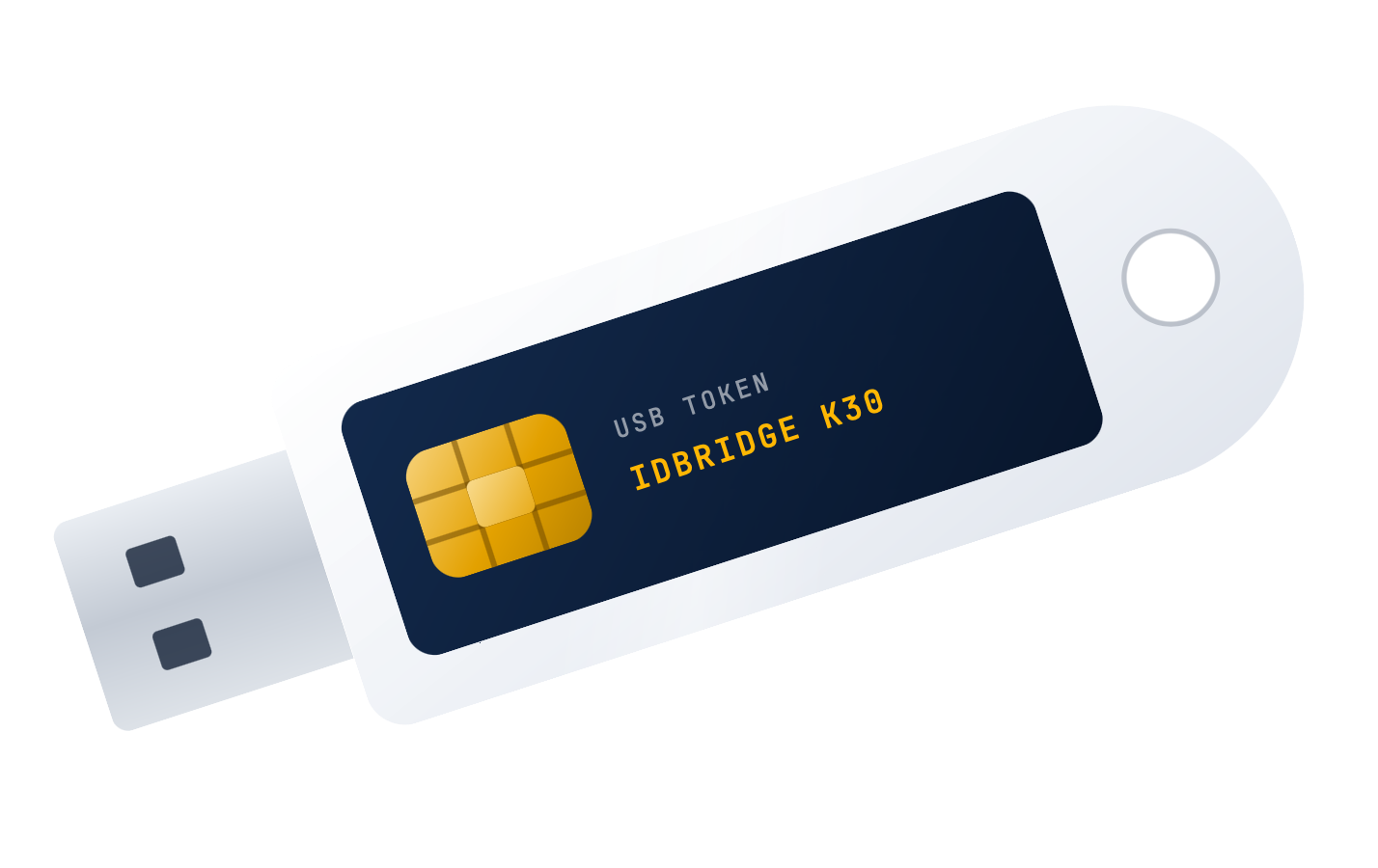
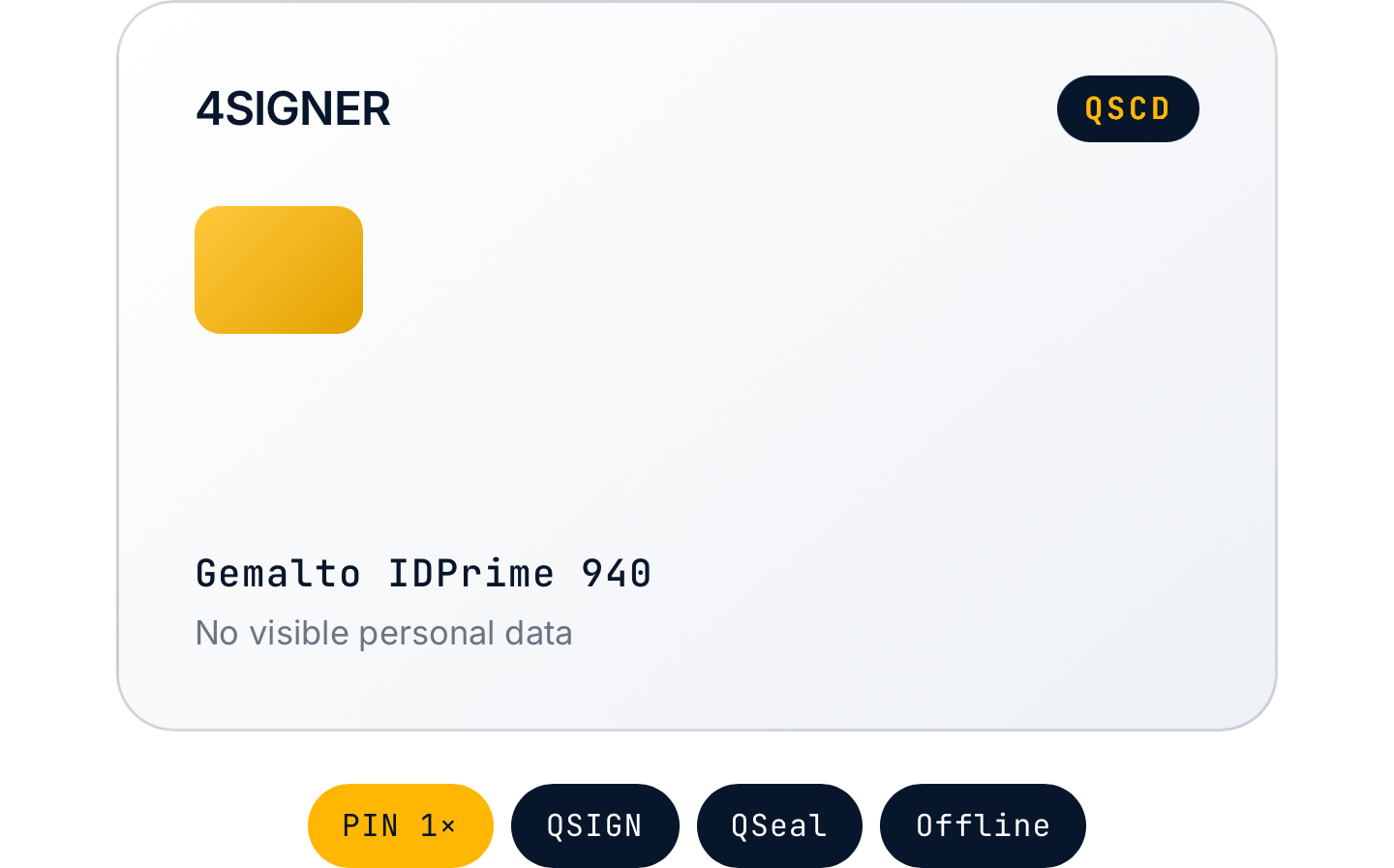
No Card. No Reader. No USB Token.
No need to connect a physical card or hardware USB token. Sign electronically using your remote certificate, without additional hardware.
Across Your Devices. Online.
Your remote certificates are available online, allowing you to sign on supported devices without a physical card reader.
Your Card and Reader.
Now Virtual
A service for 4SIGNER users with remote certificates, replacing the need for a physical card and reader.
Signing Without a Card Reader
All Signature Levels
Certificates Online
Free Service
The Same Signing.
Less Hardware.
Switch the signing method and compare what each one requires from you.
Log in and sign.
Virtual Smart Card replaces the physical card and reader. You use your certificates exactly as if they were plugged in.
Qualified electronic signatureRemote certificate · 4SIGNER
AvailableQualified electronic sealRemote certificate · 4SIGNER
AvailableAdvanced electronic signatureRemote certificate · 4SIGNER
Available— or a hardware USB token


Signing without a physical card and reader — log in with your username and password in the Virtual Smart Card section and use your certificates just as if your card and reader were plugged in.
Illustrative preview. The actual 4SIGNER signer interface may differ.

For Everyone with
a Remote Certificate
Legal Entities
01
Public Institutions
For public authorities and organizations that require electronic signatures and seals.
02
Individuals
03
Authorized Representatives
04
Virtual Smart Card is available to businesses, public institutions, individuals, and authorized representatives.
Four Benefits Over Cards and Readers
Simplicity
Forget card readers and USB tokens. All you need is access to your remote certificate.
Convenience
Sign using your account and remote certificates, wherever you have internet access.
Device Independence
Your certificates are not tied to a single physical device. Access them online.
Save Time
Sign faster without connecting cards, readers, or other physical devices.
How to Use Virtual Smart Card
From Installation to Signing
in Three Simple Steps
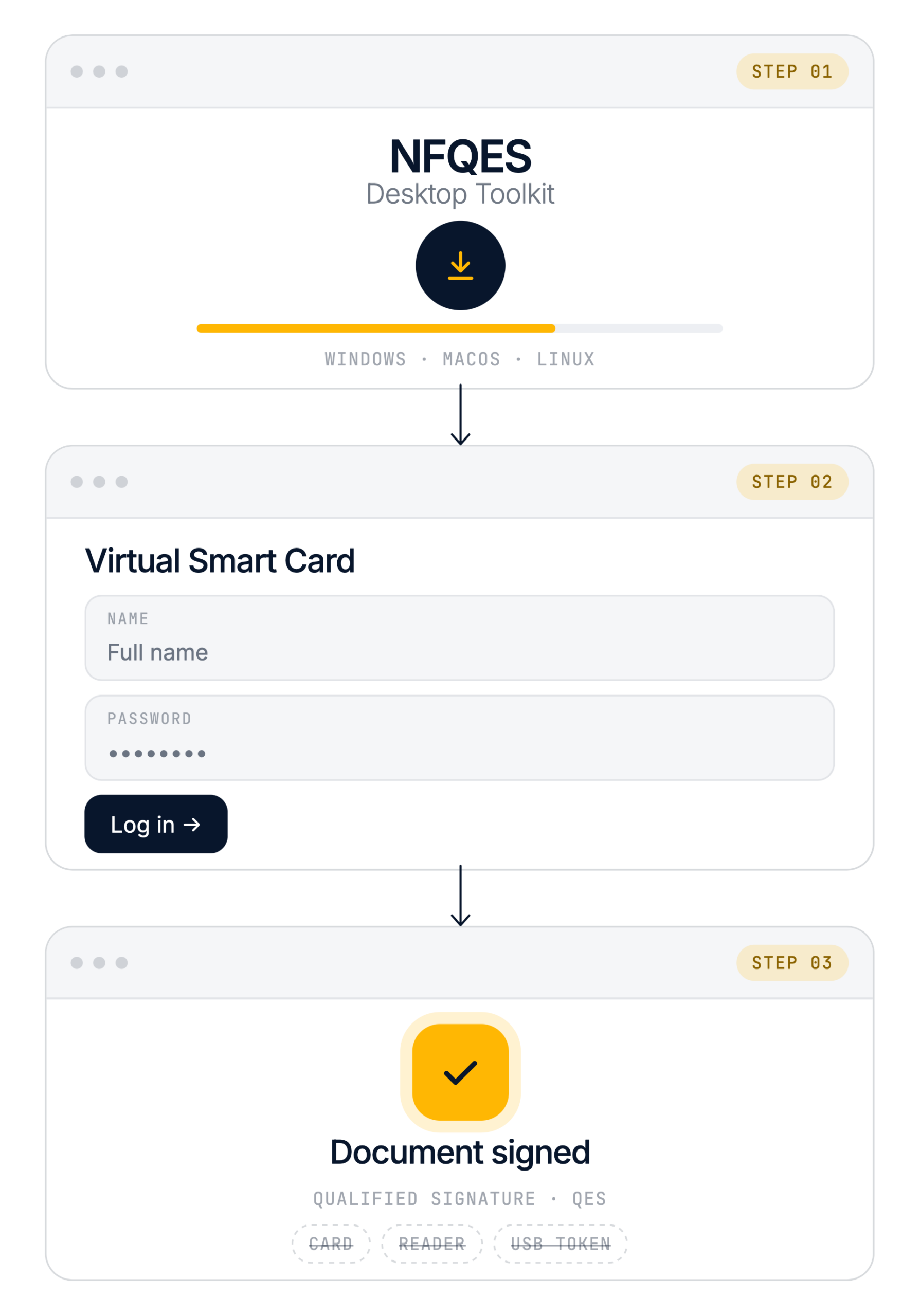
Install NFQES Desktop Toolkit, sign in with Virtual Smart Card, and continue signing as usual.
Install NFQES Desktop Toolkit
Download and install NFQES Desktop Toolkit for Windows, macOS, or Linux.
Quick Sign-In
Sign in to Virtual Smart Card using your credentials. Your remote certificates are ready to use.
Start Signing
Sign documents as usual, without connecting a physical card or reader.
Remote Certificates
for Every Signature Level
Virtual Smart Card supports all signature levels available with remote certificates from 4SIGNER.
Virtual Smart Card is Free
Pay Nothing Extra
for Card-Free Signing
0 €
Requires a remote certificate from 4SIGNER
VIRTUAL SMART CARD
Certificates in Your Hands
Even Without Internet
What Is Virtual Smart Card?
Virtual Smart Card is a service for 4SIGNER users with a remote certificate. It enables signing at all supported signature levels without a physical card reader, smart card, or USB token.
Do I Still Need a Card and Reader?
No. Virtual Smart Card replaces the need for a physical card and reader.
Who Can Use Virtual Smart Card?
Legal entities, public institutions, individuals, and authorized representatives with a remote certificate.
How Do I Use Virtual Smart Card?
Install the signing application, sign in through the Virtual Smart Card section, and continue signing as usual.
Which Certificates Can I Use?
All supported levels of 4SIGNER remote certificates, including Electronic Signatures (ES), Advanced Electronic Signatures (AdES), Qualified Electronic Signatures (QES), and electronic seals.
How Much Does Virtual Smart Card Cost?
Virtual Smart Card is free. You only need a remote certificate from 4SIGNER.
Is Signing with Virtual Smart Card Faster?
Yes. Signing with Virtual Smart Card can be faster because you don’t need to connect or use a physical card and reader.
Can I Use My Certificates on Multiple Devices?
Yes. Your remote certificates are available online and can be accessed from supported devices.
A Few More
Answers
Everything you need to know about Virtual Smart Card in the 4SIGNER Signing Zone.
Sign Without a Card
Install NFQES Desktop Toolkit, sign in through Virtual Smart Card, and start signing documents without a physical card or reader. No additional hardware required – simply use your remote certificates from 4SIGNER.