

Archive Once
Verify Anytime
The Qualified Archive preserves your electronically signed documents – or their cryptographic hashes – long-term and in compliance with eIDAS. Verify document integrity even after the original certificate expires and receive proof of archiving for every document.

ARCHIVE DOCUMENT HASH
We Store the Proof. You Keep the Document.
Only the cryptographic hash and proof of archiving are stored – without the original file. Ideal for sensitive data and quick integrity verification.

ARCHIVE FULL DOCUMENT
The Full Document. Complete Audit Trail.
The original document is stored together with its hash and proof of archiving. Retrieve your document anytime with a complete audit trail.
Why Qualified Archiving?
A Signature Is Proof
The Archive Preserves It
The Qualified Archive enables long-term preservation of electronically signed documents, even after certificate expiration. It creates a chain of signatures that confirms document integrity over time.

Long-Term Cryptographic Integrity
Signed documents retain their cryptographic integrity for years to come.

Verification Beyond Certificate Expiration
Verify document integrity even after the original certificate expires.
Proof of Archiving
Receive qualified proof of archiving for every archived document.
View and Verify Anytime
View or verify archived documents using a file or its hash.
Hash or
Full Document
Hash Only
For sensitive documents you prefer to keep outside the archive
01
Only the cryptographic hash and proof of archiving are stored
02
03
04
Keep your original document available for years to come – not just proof of its contents.
01
The original document, hash, and proof of archiving are stored
02
Retrieve the original document anytime
03
File & Hash
Choose whether to store only the document’s cryptographic hash or the full document with its hash and proof of archiving.
Automatic and Secure
Cryptographic hashes
The system automatically generates cryptographic hashes for each document.
Qualified Proof of Archiving
Qualified proof of archiving is generated as an ASiC-E container.
All Archived Documents
in One Place
View each document’s name, archiving date, archive type, and deadline, with all available actions in one place.
* Deadline – an optional date when LTP signature renewal ends and the document is deleted from the archive.
Illustrative archive interface. The actual 4SIGNER Zone may differ.
Archive Documents
Verify file
Archive document

All
Hash Only
FILE NAME
ARCHIVING DATE
ARCHIVE TYPE
DEADLINE
ACTIONS


Actions:
Have a File?
Or Just a Hash?
Verify the integrity of archived documents using either the original file or its hash. Choose the verification method that suits you.

File-Based Verification
Upload your archived file. The system automatically calculates its hash and compares it with the archived record to verify file integrity.

Hash-Based Verification
Enter the hash obtained during archiving. The system checks it against the archive to find the matching record and verify its existence.
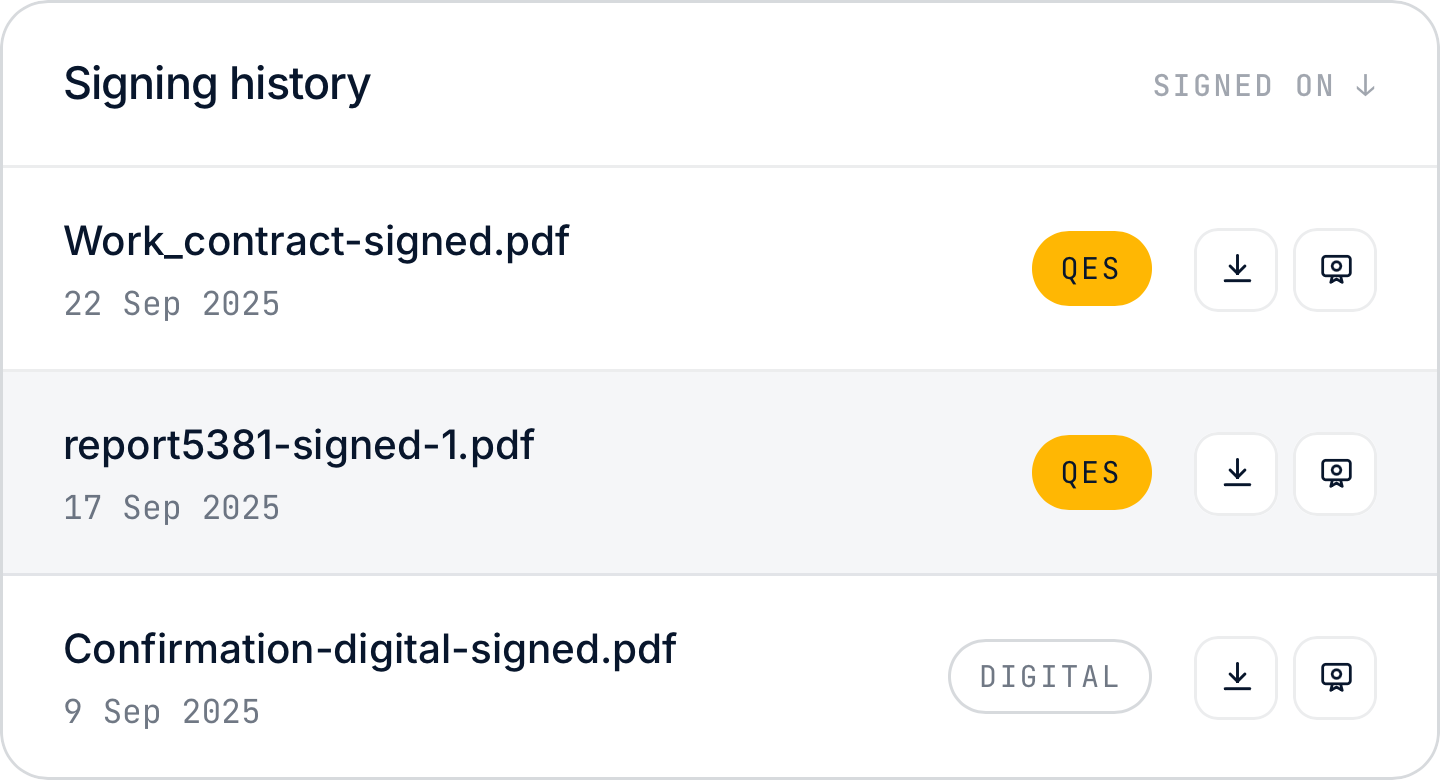
Everything You've Signed
All in One Place
Complete Results
On One Screen
Signature status, timestamps, hashes, and signature and certificate details. Download your proof of archiving anytime.
Document Name
Container Type
ASiC container or standalone file.
Archive Type
Signature Status
Timestamp
File Hashes
Signature & Certificate Details
Download Proof
Sign. Verify. Archive.
Sign, verify, and archive your documents in one place – the 4SIGNER Zone.
What Is the Qualified Archive in 4SIGNER?
The Qualified Archive provides long-term preservation of electronically signed documents, even after the original certificate expires. By extending their validity, a chain of signatures is created to confirm that the document has not been modified.
What's the Difference Between Hash-Only and Full Document Archiving?
With Hash Only, only the cryptographic hash and proof of archiving are stored. With File & Hash, the original document, its hash, and proof of archiving are stored together.
Which Hash Algorithms Does the System Generate?
SHA1, SHA256, SHA384 and SHA512.
What Is Proof of Archiving?
A qualified electronic record (ASiC-E) confirming that a document has been archived and its integrity preserved.
How Can I Verify a Document Against the Archive?
Simply upload your document or enter its hash value.
What Does the Deadline Mean in the Archive?
An optional date when LTP signature renewal ends and the archived document is deleted.
Can I Archive the Same Document Twice?
No. The system prevents duplicate archiving of documents with the same hash.
Which File Formats Does the Archive Support?
PDF, signed PDF, DOCX, XML, ASiC-E, and ZIP.
How Can I Find a Specific Document in the Archive?
Search by document name or archive type – Hash Only or File & Hash.
Still Have
Questions?
Everything you need to know about the Qualified Archive in the 4SIGNER Zone.
Start Archiving
Log in to the 4SIGNER Zone and archive your signed document or just its hash. Receive qualified proof of archiving and verify document integrity even after the original certificate expires.