

Certificates in Your Hands. Literally.

Six Documents. One PIN.
When signing multiple documents, enter your PIN just once for the entire batch. Certificates are protected by a PIN, and the card is blocked after three incorrect attempts.

Your Certificates. Available Offline.
Certificates are stored directly on the card, allowing you to sign without an internet connection, wherever your work takes you.
A Robust Smart Card
without Compromise
A proven and secure signing solution – for those who want their certificates physically under control.

No Visible Personal Data

One PIN for Batch Signing
Enter your PIN just once when signing multiple documents in one batch.
Multiple Certificates at Once
Always at Hand
Certified Device
Even Without Internet
From Electronic Signatures
to QES
Qualified Electronic Certificates
LEVEL 03
LEVEL 01
Electronic Certificates
Basic level – certificates for:
LEVEL 02
Advanced Electronic Certificates
Enter your PIN once.
Sign the Entire batch.
Switch the method and compare how many times you enter your PIN when signing six documents.
One PIN for the whole batch.
When signing multiple documents, you enter your PIN just once – not for every document. Your certificates remain protected by a unique PIN.
Certificates on the card are protected by a unique PIN. After 3 incorrect PIN entries, the card is blocked.
Illustrative preview. The actual 4SIGNER signer interface may differ.
Maximum Security
Right in Your Hands
Enhanced Security
Your certificates are protected by a PIN. After three incorrect attempts, the card is blocked.
Legal Compliance and Recognition
QSCD cards support qualified electronic signatures under eIDAS.
Use at Home or Abroad
Sign documents at home or abroad with your physical certificates.
Long Lifespan
When your certificate expires, you can upload a new one to the same card.
Personal Data Protection
No visible personal data on the card – just a secure identifier.
From Card Purchase to Signing
in Three Simple Steps

Purchase and Activate

Upload Your Certificates

Start Signing
Insert your card into a reader and use your certificates to sign documents.
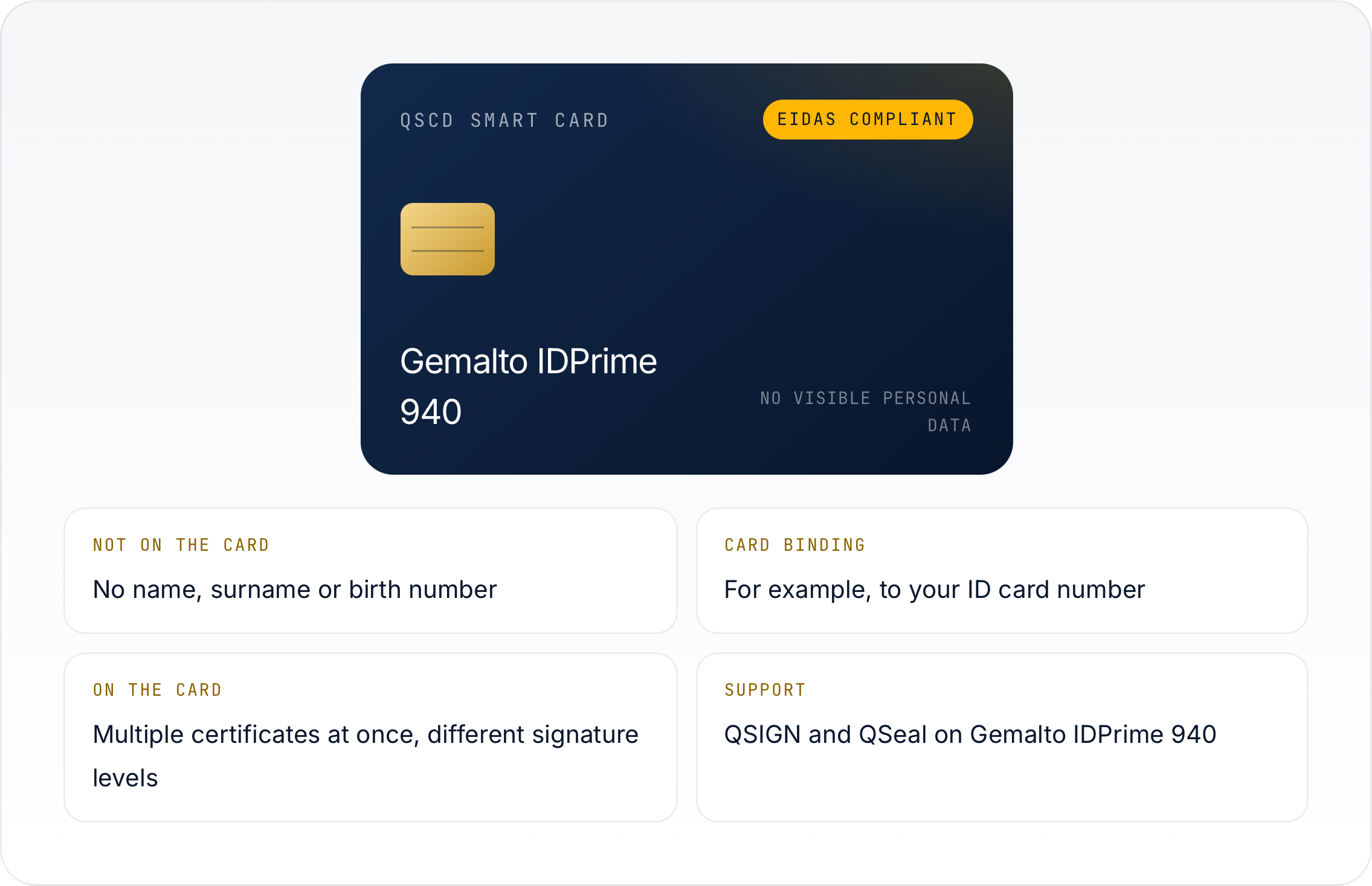
Purchase and activate your card in the 4SIGNER Client Zone, upload your certificates, and start signing.
Cards, Tokens & Readers
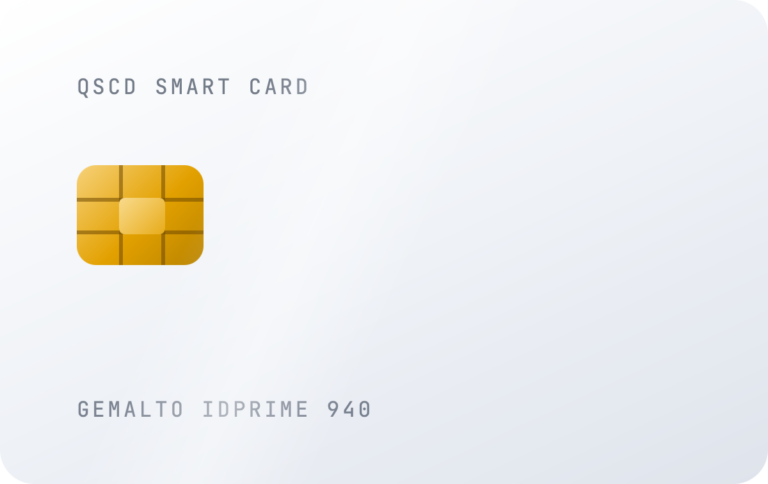
SMART CARD
Gemalto IDPrime 940
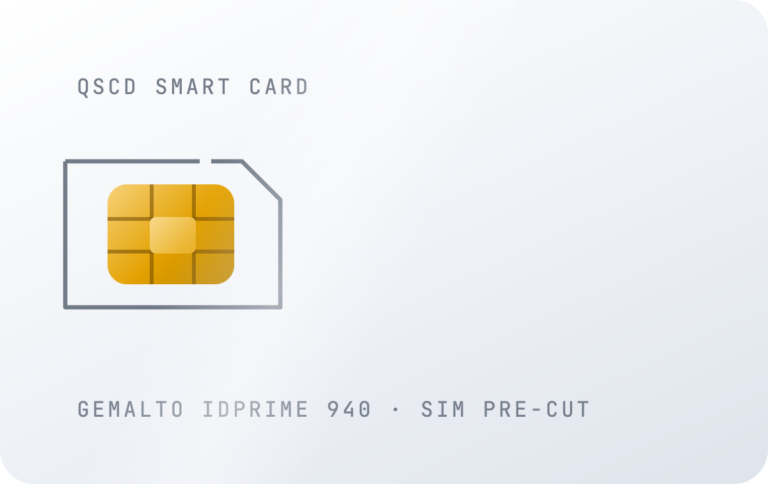
SMART CARD
Gemalto IDPrime 940
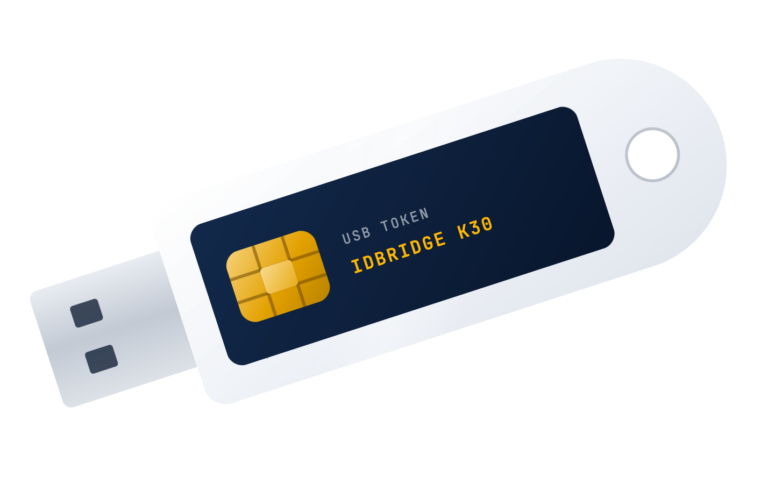
USB TOKENS
IDBridge K30, eToken
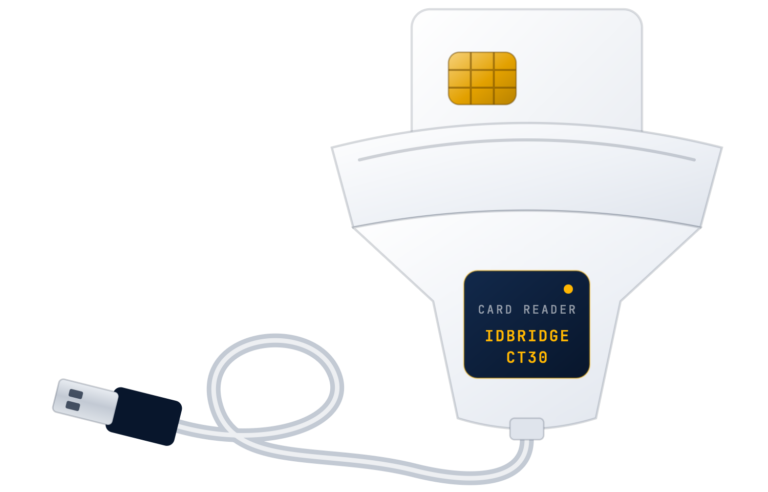
Gemalto IDBridge CT30
The card is compatible with smart card readers. Below are the main hardware options.
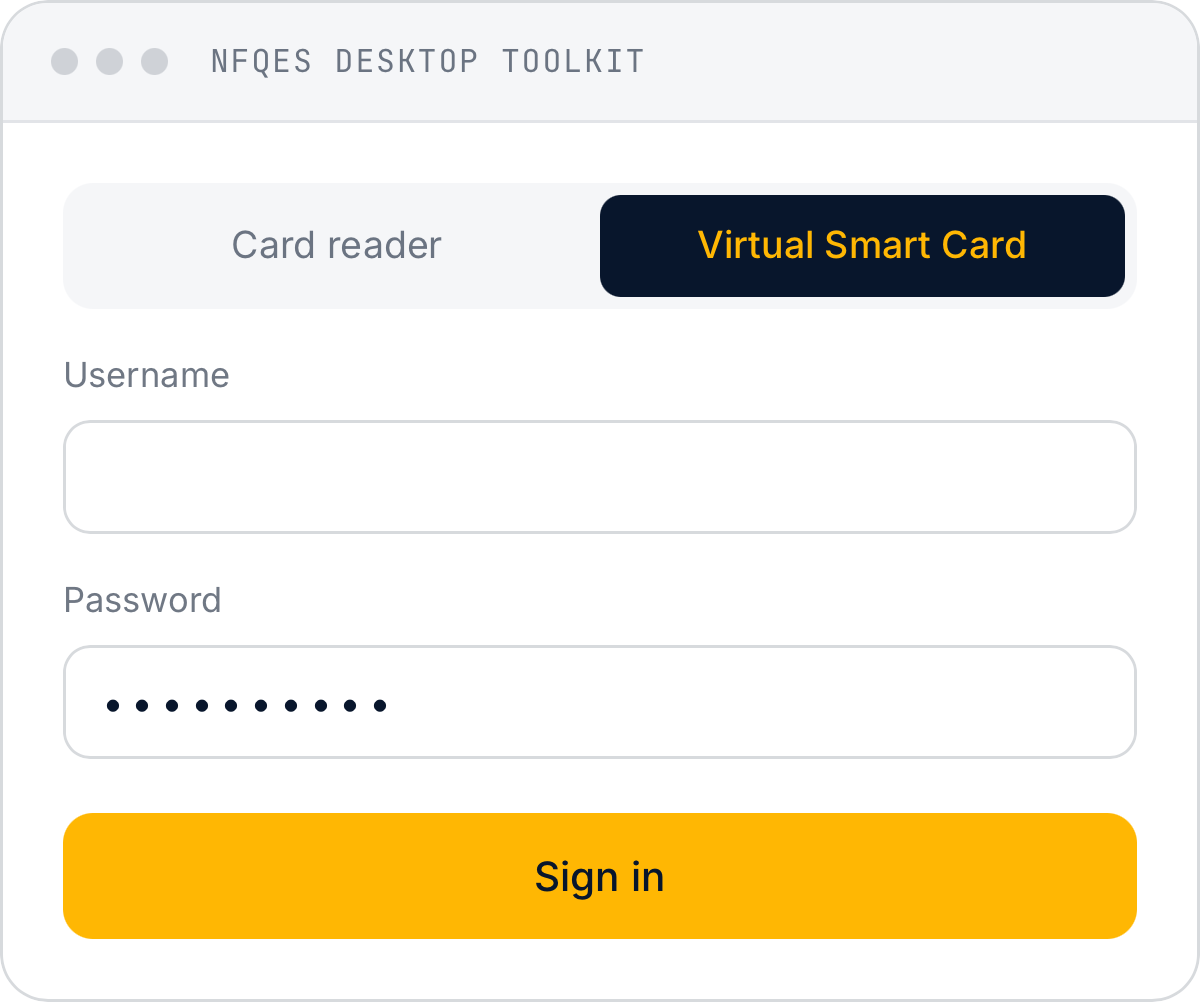
Sign Without a Card
Without a Reader
What Are Certificates on a QSCD Smart Card?
Certificates stored on a QSCD smart card (Gemalto IDPrime). A proven and secure signing solution. Certified smart cards also support Qualified Electronic Signatures (QES).
Why Do Customers Choose QSCD Cards?
When they need to use their certificates without internet access or require the highest level of security.
Which Certificates Can I Use with a QSCD Card?
Electronic, Advanced (AdES), and Qualified (QES) certificates – for electronic signatures, seals, and authentication.
Do I Need to Enter My PIN for Every Document?
No. When signing multiple documents in one batch, you only need to enter your PIN once.
Is My Personal Information Visible on the Card?
No. The card is linked to an identifier, such as an electronic ID card number, rather than displaying your personal details.
What Happens If I Enter the Wrong PIN?
After three incorrect PIN attempts, the card is blocked.
Can I Store Multiple Certificates on One Card?
Yes. You can store multiple certificates, including different certificate levels, on the same card.
What Happens When My Certificate Expires?
You can upload a new certificate. The card is designed for long-term use.
Is the Card Compatible with My Card Reader?
Yes. The card is compatible with smart card readers.
How Do I Get and Activate My Card?
Purchase and activate your card in the 4SIGNER Client Zone, upload your certificates, and start signing.
Still Have
Questions?
Everything you need to know about QSCD smart card certificates in 4SIGNER.
Certificates on a Card
Get a smart card in the 4SIGNER Client Zone, upload your certificates, and keep your signing credentials securely under your control. Maximum security, multiple certificates, and the convenience of signing with a physical card.